
Thanks for installing Digital Permit Book through Geotab Order Now. When you place your order, the add-in is installed automatically. If you open DPB Admin and see a message that your database isn't installed yet, follow the steps below.
First, add a service user to your Geotab account so we can access your database and start syncing your data. Then send the service account details to geotab@digitalpermitbook.com. We'll email you when your account is set up.
Add a service user
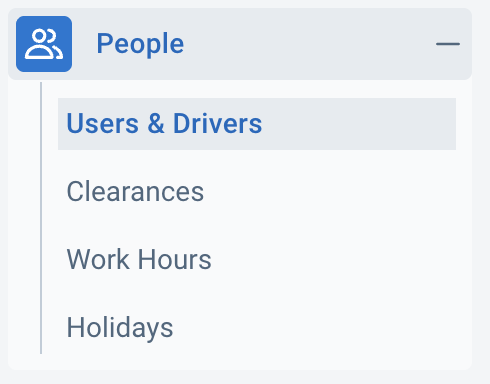
- In MyGeotab, go to People > Users & Drivers.
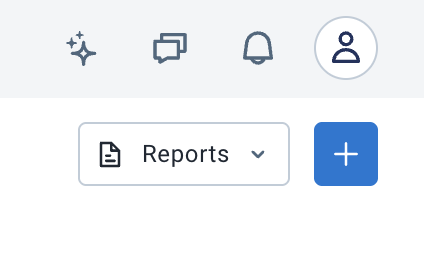
- Click + in the top-right corner.
-
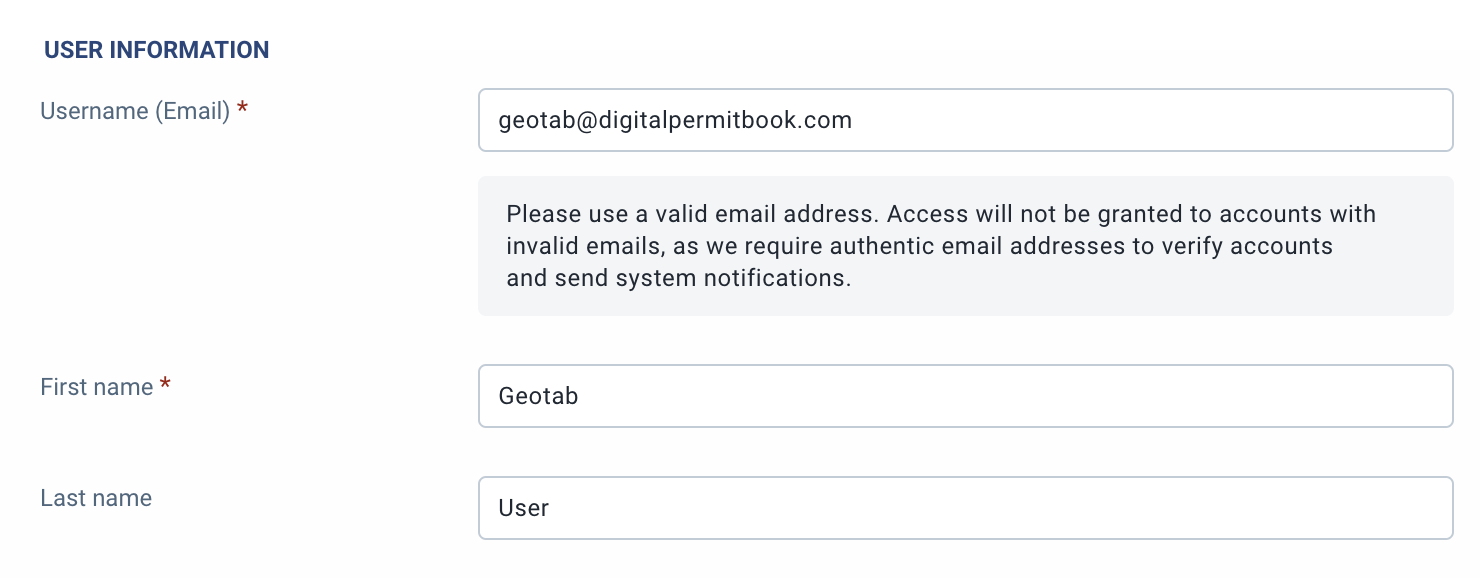
Enter the service user's details:
- Username (Email): geotab+yourdatabase@digitalpermitbook.com (your database name, no spaces)
- First Name: Geotab
- Last Name: User
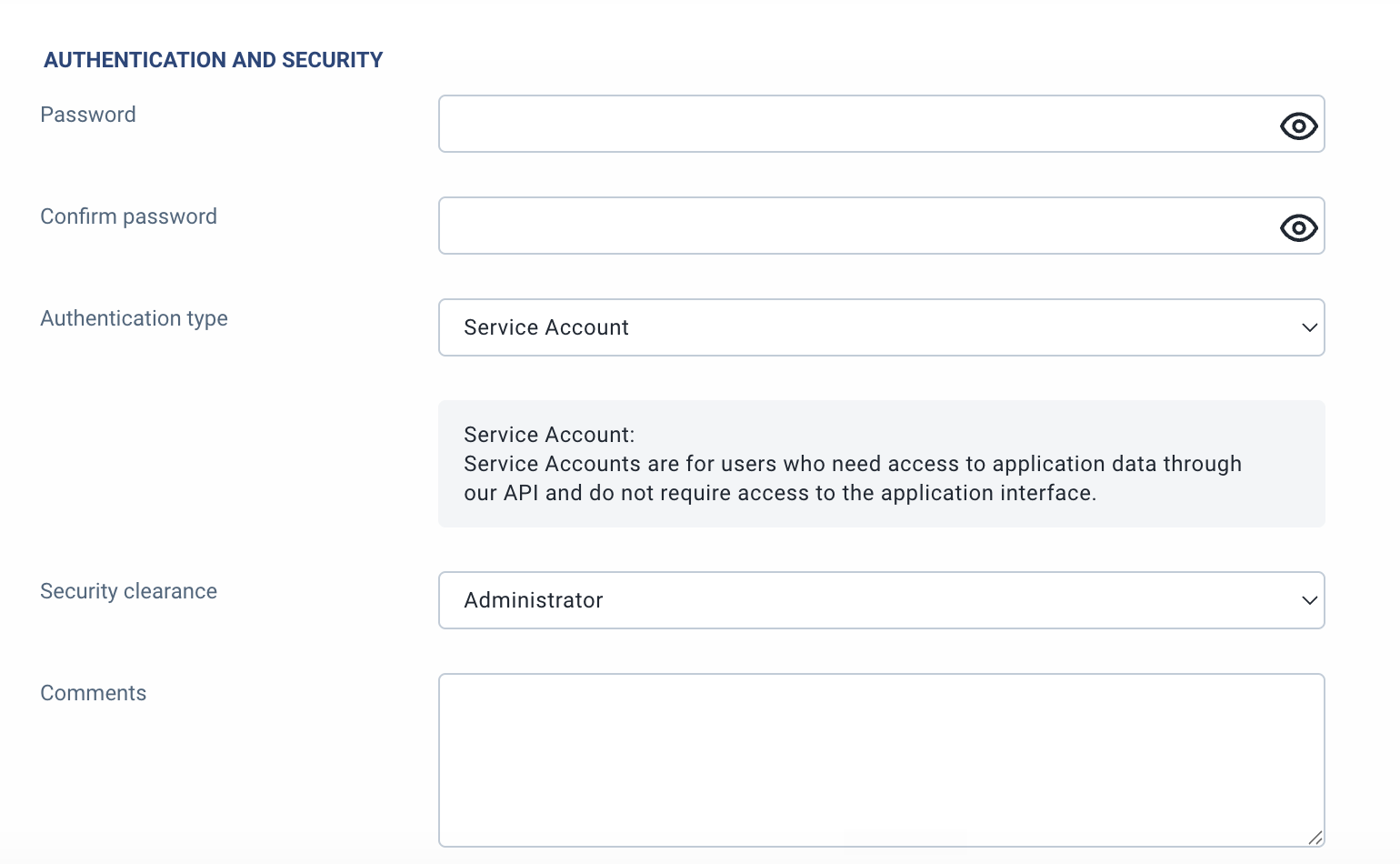
- Enter a complex, random password and confirm it. Keep it handy for the next step.
- For Authentication type, pick Service Account.
- For Security clearance, pick Administrator.
Email the service account details
Send your database name and the temporary password to geotab@digitalpermitbook.com. Don't send the password in plain text; use a secure link service such as https://password.link/en. If you run into any issues, contact geotab@digitalpermitbook.com.
Sync details
- The Geotab integration syncs and updates drivers, vehicles, trailers, and users every 15 minutes.
- It also assigns and updates each driver's default vehicle and trailer, either every 15 minutes or when the driver opens DPB Driver from Geotab.
How it works
- DPB Admin and DPB Driver both use single sign-on, so no logins, usernames, or passwords are needed.
- DPB Admin gives you all the features you need, such as adding documents to drivers, vehicles, trailers, or the whole company.
- DPB Driver gives drivers instant access to the documents for their default vehicle and trailer, their own driver documents, and company-wide documents.
- Need help? Use the help in DPB Admin or the driver app, the in-app live chat, or email support@digitalpermitbook.com.